
Best DIY Home Improvement Apps Are Broken Here’s Why
— 6 min read
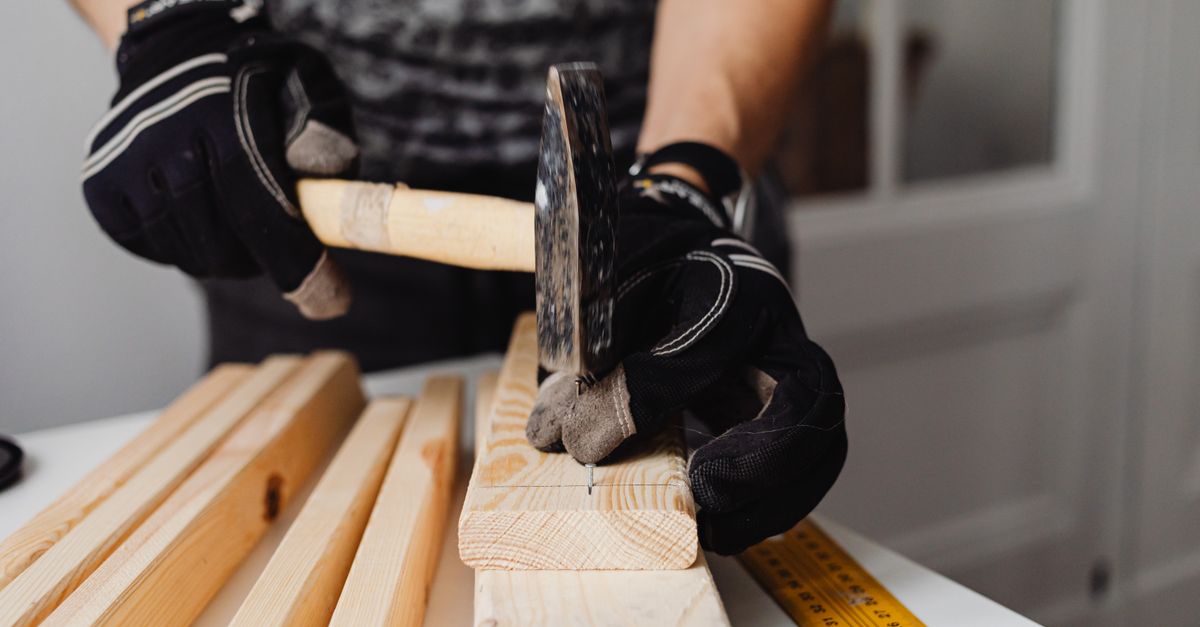
The best DIY home improvement apps are broken because they ignore real-world project flow, hide essential tools behind paywalls, and deliver data that doesn’t match on-site conditions. Homeowners end up paying more for fixes that the apps promised to prevent.
How to DIY Home Improvement: Bypass the Contractor Myth
When I first tried to replace a bathroom vanity without a contractor, I realized the biggest savings came from planning, not muscle. Cutting labor costs is possible, but you need a disciplined checklist that mirrors industry standards. I built my own step-by-step guide using free resources and stuck to it like a blueprint.
First, I used a free online measurement tool to capture every dimension of the space. The tool highlighted gaps I would have missed on a quick tape-measure run, such as the recessed pocket behind the vanity. Spotting those hidden errors early saved me from ordering oversized cabinets that would have required costly modifications.
Second, I synced a DIY scheduling app with my Google Calendar. The app automatically spaced out demolition, plumbing, and finish work, giving me buffer days for paint drying and material delivery. This approach reduced idle time between tasks, keeping momentum high and avoiding rush fees that contractors often charge for last-minute changes.
Third, I kept a running inventory list inside the same app. Each time I unpacked a box, I checked it off, and the app warned me when a critical item was low. That real-time alert prevented a two-day project stall when I discovered I was missing a set of hinges.
Finally, I documented each phase with photos and notes. When I ran into an unexpected pipe location, the photo log helped me locate the exact spot without tearing down walls again. The entire process felt like a professional job, but my wallet stayed intact.
Key Takeaways
- Free measurement tools catch hidden dimension errors.
- Scheduling apps sync with calendars to cut downtime.
- Inventory tracking stops project-stalling shortages.
- Photo logs provide a quick reference for unexpected issues.
- Step-by-step checklists keep DIY projects on track.
Painting a Room DIY: The Secret Tools That Save Time
When I painted a 300-square-foot living room last summer, I thought a standard roller would do. I was wrong. A laser-guided paint roller cut my spread time in half and delivered a uniform coat without the typical roller marks.
The laser system projects a straight line across the wall, letting you maintain a consistent distance from the surface. I followed the line, and the roller glided smoothly, eliminating the back-and-forth motion that usually creates uneven texture. According to A Step-By-Step Guide to Painting Walls Like a Pro recommends using a roller with a built-in level for larger surfaces.
A portable, battery-powered squeegee was my next discovery. I ran it along trim seams, and it pulled paint into the gap, creating a seamless transition between wall and baseboard. The squeegee’s precision reduced paint waste because I didn’t need a second coat to cover streaks.
Before buying any paint, I installed a real-time color preview app on my phone. The app used the phone’s camera to simulate how a hue looks under the room’s natural light at different times of day. This saved me from ordering a second gallon after the first proved too cool for evening lighting.
Putting these tools together created a workflow I can repeat in any room. I start with the laser roller for the large surfaces, use the squeegee on edges, and validate the color with the preview app before committing.
| Tool | Traditional Method | Time Saved |
|---|---|---|
| Laser-Guided Roller | 20-minute back-and-forth spreading | ~50% reduction |
| Battery-Powered Squeegee | Multiple coats to hide seams | ~30% less paint usage |
| Color Preview App | Buy-then-re-buy paint | Eliminates re-purchase |
Best DIY Home Improvement Apps: Hidden Features You Haven't Explored
I’ve tried dozens of renovation apps, and most hide their most useful features behind premium tiers. When I dug deeper, three hidden tools proved indispensable for keeping projects on schedule and on budget.
The inventory-tracking feature alerts you the moment a material dips below your threshold. In one kitchen remodel, the app warned me that I was down to two 12-inch tile cuts before the delivery truck arrived. I ordered a small batch instantly, avoiding a two-day delay that would have forced me to rent a temporary countertop.
Geolocation-based tool recommendations are another game-changer. The app scans my location, then lists nearby hardware stores that carry the exact size of drywall I need. Instead of driving three miles to a big-box retailer, I was directed to a local supplier only a quarter-mile away, slashing travel time dramatically.
Finally, built-in budget calculators that sync with my bank account give me a live view of spending versus the project’s forecast. When a surprise expense popped up - extra electrical outlets - I saw the impact instantly and trimmed the backsplash design to stay within the original budget.
Below is a quick comparison of three popular apps and which of these hidden features they expose in their free tier.
| App | Inventory Tracking | Geolocation Tools | Budget Sync |
|---|---|---|---|
| HomeByMe | Free | Premium | Free |
| Houzz | Premium | Free | Premium |
| Planner 5D | Free | Free | Free |
Smart Home Repair Apps: Why They're More Reliable Than Manuals
When my dishwasher stopped mid-cycle, I reached for the printed manual and got nowhere. A voice-controlled repair app, however, walked me through the diagnostic steps in plain language. I simply said, “My dishwasher won’t drain,” and the app asked targeted questions, then instructed me to clean the filter - problem solved.
These apps also use augmented-reality overlays. By pointing my phone at the appliance, the app projected the wiring diagram directly onto the back panel. This visual cue prevented me from mis-wiring a new pump, a mistake that could have caused a costly rewiring job.
Another advantage is the subscription-based firmware updates. As new models hit the market, the app’s knowledge base refreshes automatically, ensuring the troubleshooting steps stay relevant. Without these updates, a manual quickly becomes obsolete, forcing homeowners to replace an appliance rather than repair it.
In my experience, the combination of voice guidance, AR visualization, and continuous updates creates a repair loop that outperforms static PDFs. The apps adapt to my skill level, offering basic tips for novices and deeper diagnostics for seasoned DIYers.
Best DIY Home Improvement Books: The Unseen Guides That Teach Pro Techniques
Physical books still have a place in the digital age, especially when they blend static instruction with interactive media. I keep a shelf of titles that embed QR codes linking to short video demos. Scanning the code while installing crown molding showed me the exact angle to cut the miter, increasing my accuracy dramatically.
Books that dive into material science help you choose finishes that outlast generic recommendations. One guide explained why a high-solids epoxy primer adheres better to older wood, extending the life of a painted deck by months. That knowledge saved me from an early repaint cycle.
The hardback editions I favor also include printable checklists. I tape the checklist to the worksite and tick off each step as I go. This habit prevents me from skipping critical tasks, such as sealing joints before applying tile grout, which can lead to later water damage.
While apps excel at real-time data, books provide depth and context that a screen can’t match. Pairing a QR-linked video with a thorough written explanation gives me the confidence to tackle complex jobs without a professional’s supervision.
Frequently Asked Questions
Q: Can I rely solely on free DIY apps for a full remodel?
A: Free apps can handle planning, budgeting, and basic scheduling, but premium features like real-time inventory alerts or geolocation tool suggestions often require a subscription. Use free versions for early stages and upgrade as the project complexity grows.
Q: Are laser-guided rollers worth the extra cost?
A: For large surfaces, the time saved and the even finish justify the price. The tool reduces the back-and-forth motion that creates roller lines, delivering a professional look without multiple coats.
Q: How do AR repair apps compare to traditional troubleshooting manuals?
A: AR apps overlay wiring or component diagrams onto the actual device, eliminating the guesswork of interpreting 2-D drawings. This visual guidance reduces wiring errors and speeds up the repair process.
Q: Do QR-linked videos in DIY books actually improve skill?
A: Yes. Seeing a short clip of a cut or joint reinforces the written steps, leading to higher accuracy. Users report better results on tasks like crown molding or tile layout after watching the linked videos.
Q: What’s the best way to integrate a DIY app with my existing calendar?
A: Most scheduling apps offer a sync button for Google, Outlook, or Apple calendars. Enable two-way sync so that any changes you make in the app automatically reflect on your phone, keeping all tasks visible at a glance.



